Intermediate Power BI
The Netherlands
Unlock the full potential of your data with our Intermediate Power BI training! This course is crafted for those eager to deepen their expertise in data modeling, DAX, and effective deployment of assets. Immerse yourself in Power BI and discover how to transform raw data into insightful narratives that empower strategic business decisions.
🛠️ Software needed! For this training course you need a Windows device. Power BI Desktop is only available on Windows and you will not be able to participate in the course without it.
Looking to upskill your Team(s) or organization?
Rozaliia will gladly help you further with custom training solutions

Rozaliia Khafizova
Data and AI Training Advisor
What will you learn?
After the training, you will be able to:
Use best practices to clean and transform data using Power Query
Use the M language in Power Query to perform simple transformation steps beyond the Graphical User Interface (GUI).
Create model calculations using DAX to derive meaningful insights from complex datasets
Design and implement efficient, optimized data models
Enhance reports for usability and storytelling
Program
- Design and implement efficient, optimized data models
- What are fact and dimension tables, what is a star schema?
- Determine the right cardinality and filter direction, set multiple active relationships
- Create your own date tables
- Use the M language in Power Query to perform simple transformation steps beyond the Graphical User Interface (GUI).
- What is the M language and in which situations would you use it over the GUI?
- Perform simple transformations in M
- Enhance reports for usability and storytelling
- Best practices when formatting visual elements
- Create slicers and filters to allow users to reduce the data displayed in their reports
- Create bookmarks to capture the state of a report page to e.g. create a custom navigation experience for users.
- Control how different visualizations on a report page interact with each other using the Configure Interactions feature
- Synchronize the filters across multiple report pages or visuals using Sync Slicers
This training is for you if:
You want to learn more about data modelling, DAX and creating user-friendly reports
You want to apply best practices when working with Power BI
You have followed the Power BI in One Day course (or have a similar knowledge level) and are ready to take your skills up a notch
This training is not for you if:
You have no experience with Power BI yet (check out our Power BI in One Day training instead)
You want more advanced information about M, DAX, externals tools, and performance tuning of Power BI reports (check out our Advanced Power BI training instead)
You want to learn more about creating better visualizations and data storytelling (Check out our Data Storytelling course instead).
Why should I follow this training?
Uncover key information about your data
Hands-on training with real life examples – learn today apply tomorrow!
Portray insights in clear dashboards
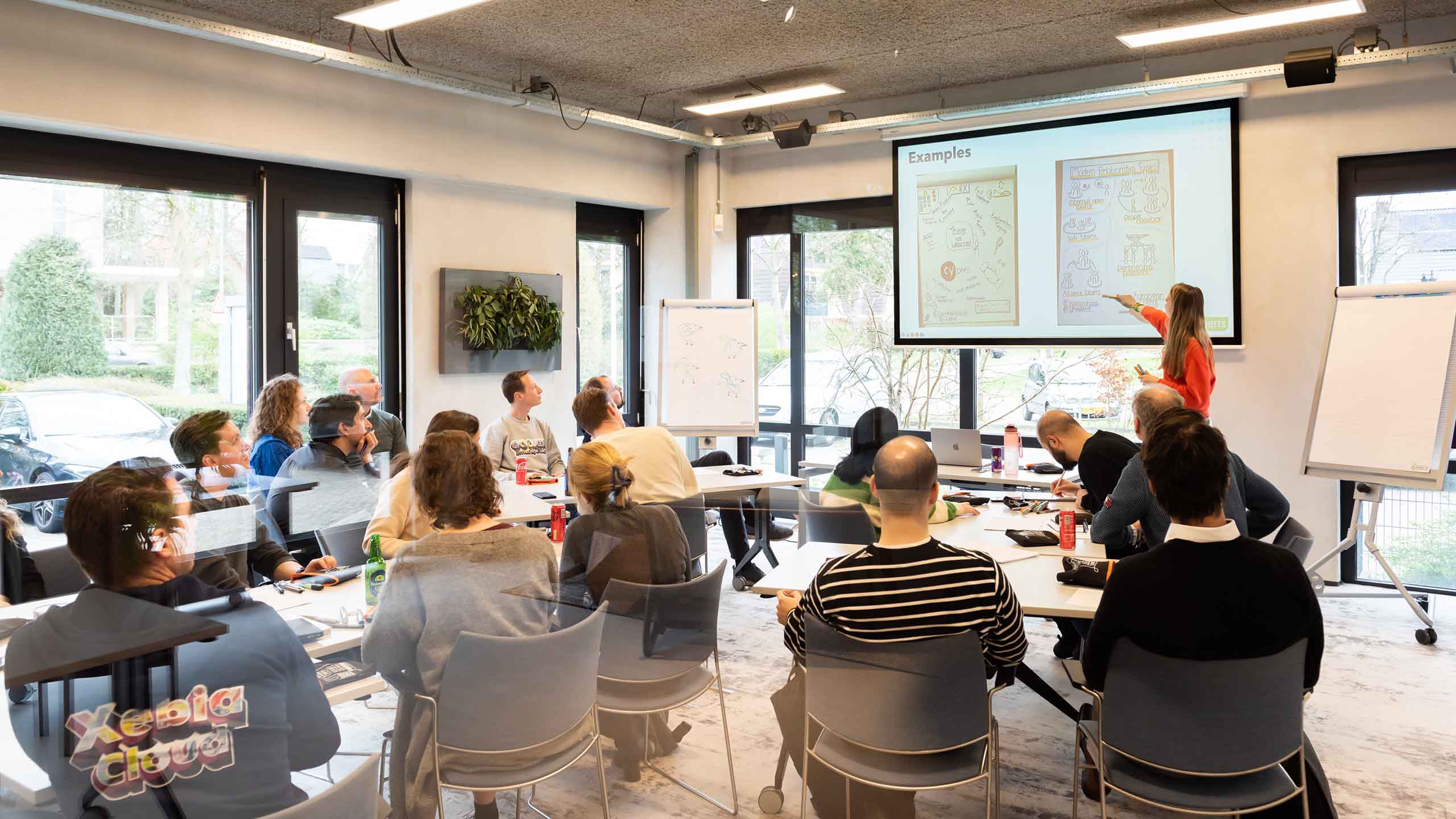
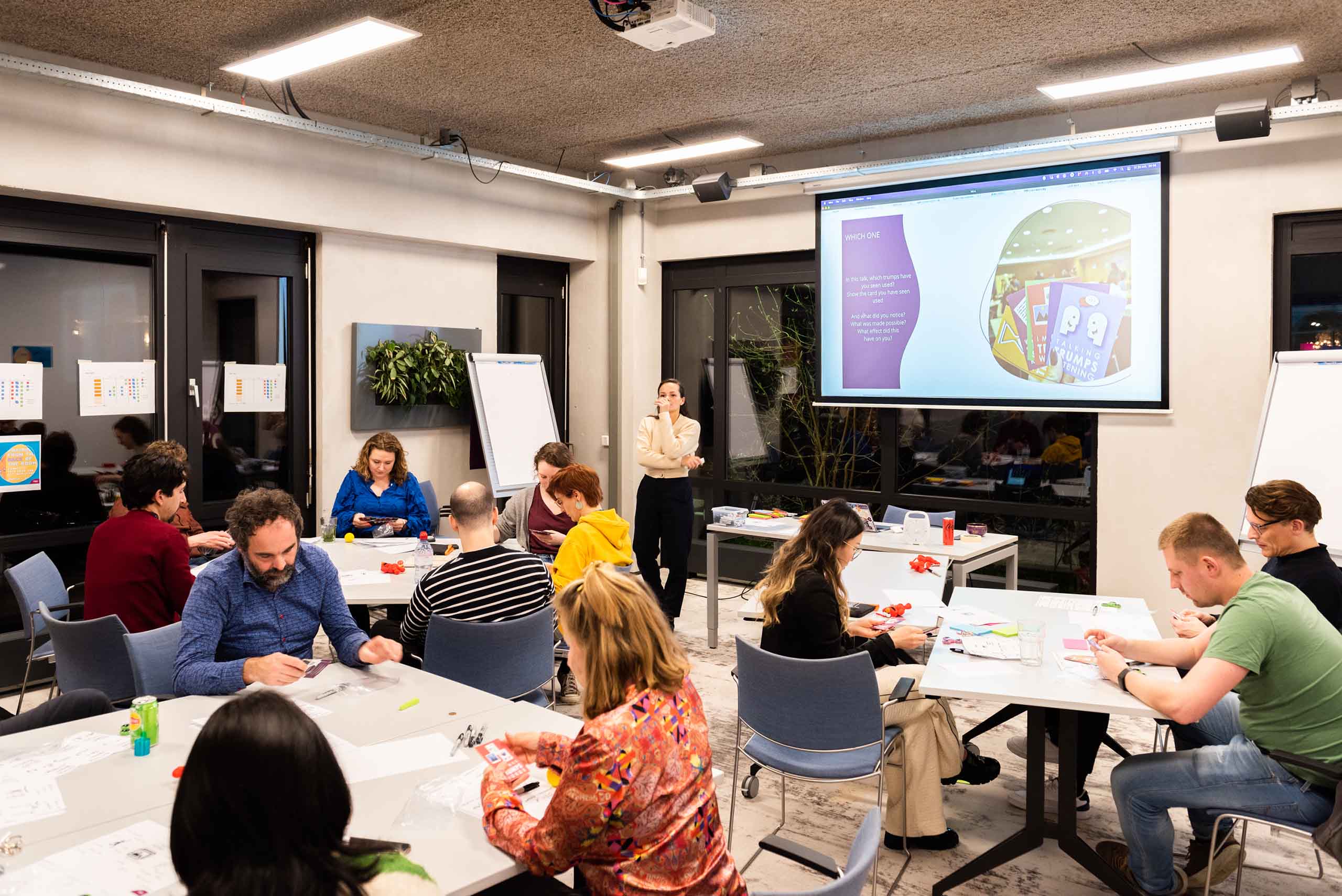
Hoe ziet het eruit?



What else should I know?
After registering for this training, you will receive a confirmation email with practical information. A week before the training, the trainer will get in touch to ask you about any requirements you may have and any pre-course tasks you will need to do.
See you soon!
Course information
This course requires a Windows laptop (PowerBI Desktop is only available on Windows).
All literature and course materials are included in the price
Information on the software and tooling will be shared before the start date
Online courses are delivered via Zoom or Microsoft Teams
Meet the Trainers

Lysanne van Beek
Lysanne is a Data Science Educator at Xebia Data and loves making courses as accessible as possible. With roughly 2,000 hours of training experience and almost 1,500 students taught, she’ll make sure you get the most out of your training.
Also interesting for you
View all training coursesLearn how to code in Python and perform data analysis with our Python for Data Analysis training.